Animated stream scenes
Broad illuminated rails sweep across the layered plates while gameplay, camera, and live data stay locked to their broadcast-safe zones.
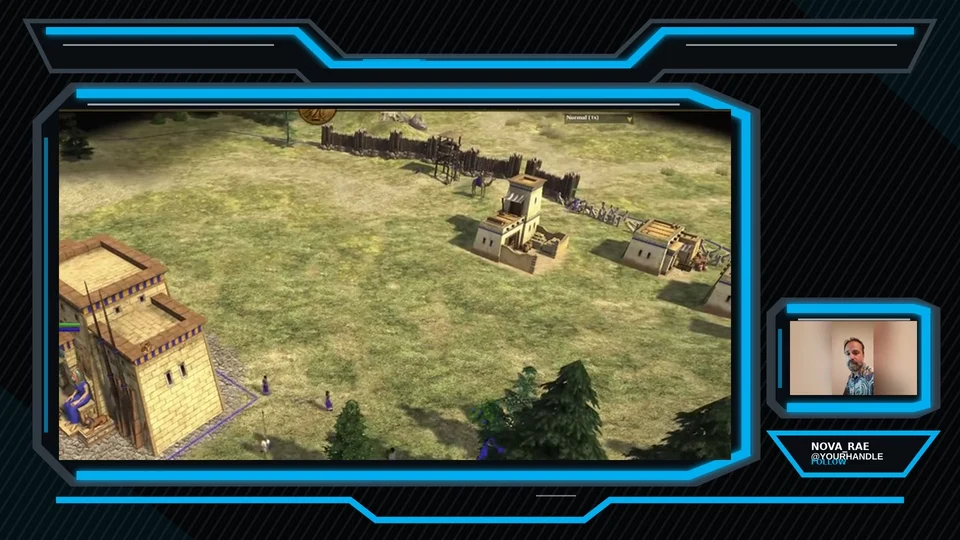
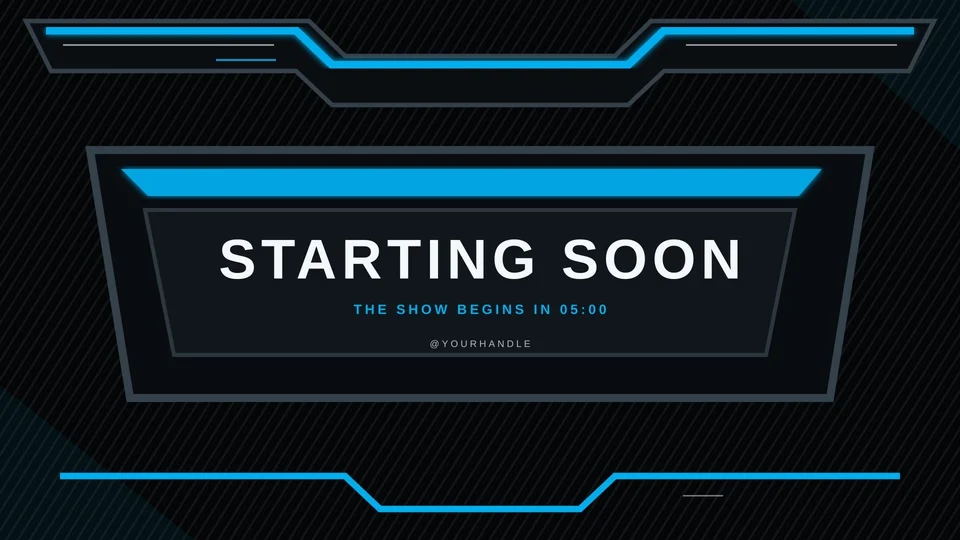
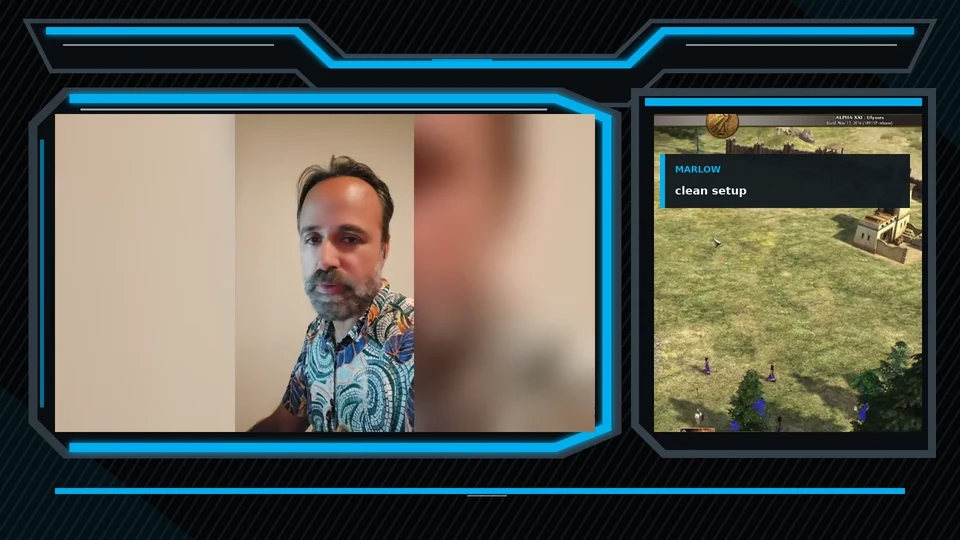
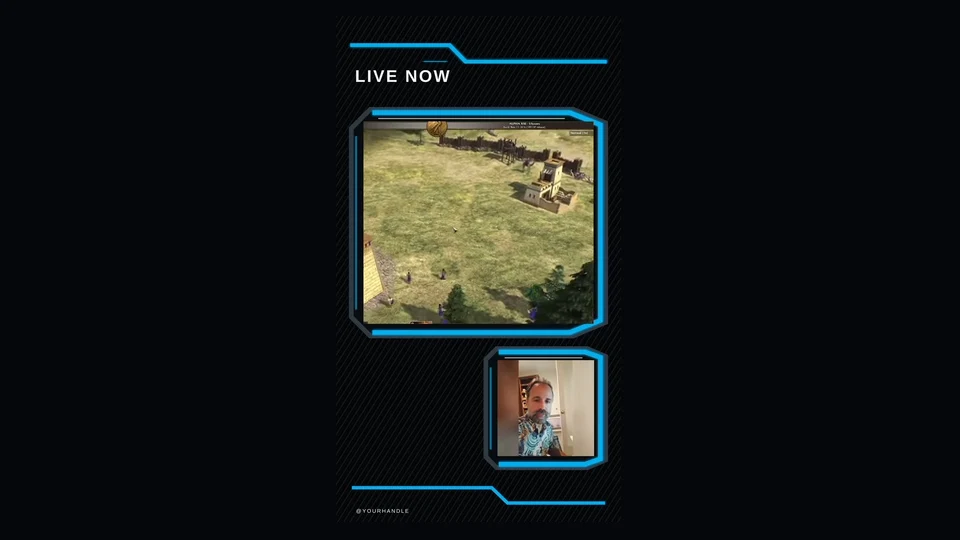
Layered sci-fi / electric blue
The original Niox broadcast frame rebuilt with chunky dark plates, wide electric blue light rails, and a complete modern scene system.
Pack video
Watch the gameplay layout, camera treatment, vertical scene, alert timing, and scene transition before you buy.
Broad illuminated rails sweep across the layered plates while gameplay, camera, and live data stay locked to their broadcast-safe zones.
Transparent VP9 video and separate 48 kHz WAV audio.
Alpha video with a 550 ms scene-switch point.
Pack details
Niox Blue Pack restores MoveGraph’s layered sci-fi silhouette, broad illuminated rails, diagonal plate texture, three lower-thirds, and exact 16:9 and 4:3 camera frames. The rebuilt edition adds vertical scenes, provider widgets, alerts, a stinger, and portable imports. Your download includes the complete Blue, Red, Purple, Yellow, Green, and Pink editions.
Software compatibility
Use the OS-specific OBS installer, import the self-contained Streamlabs .overlay archive, or load the editable provider widgets. Manual WebM, MOV, PNG, SVG, and WAV files are organized by component.
Read the OBS overlay setup guide