OBS setup / 7 minute read
How to add a stream overlay to OBS Studio.
The setup is simple once each file is treated as the right source type. This guide covers static PNGs, animated WebM or MOV files, and local browser-source scenes.
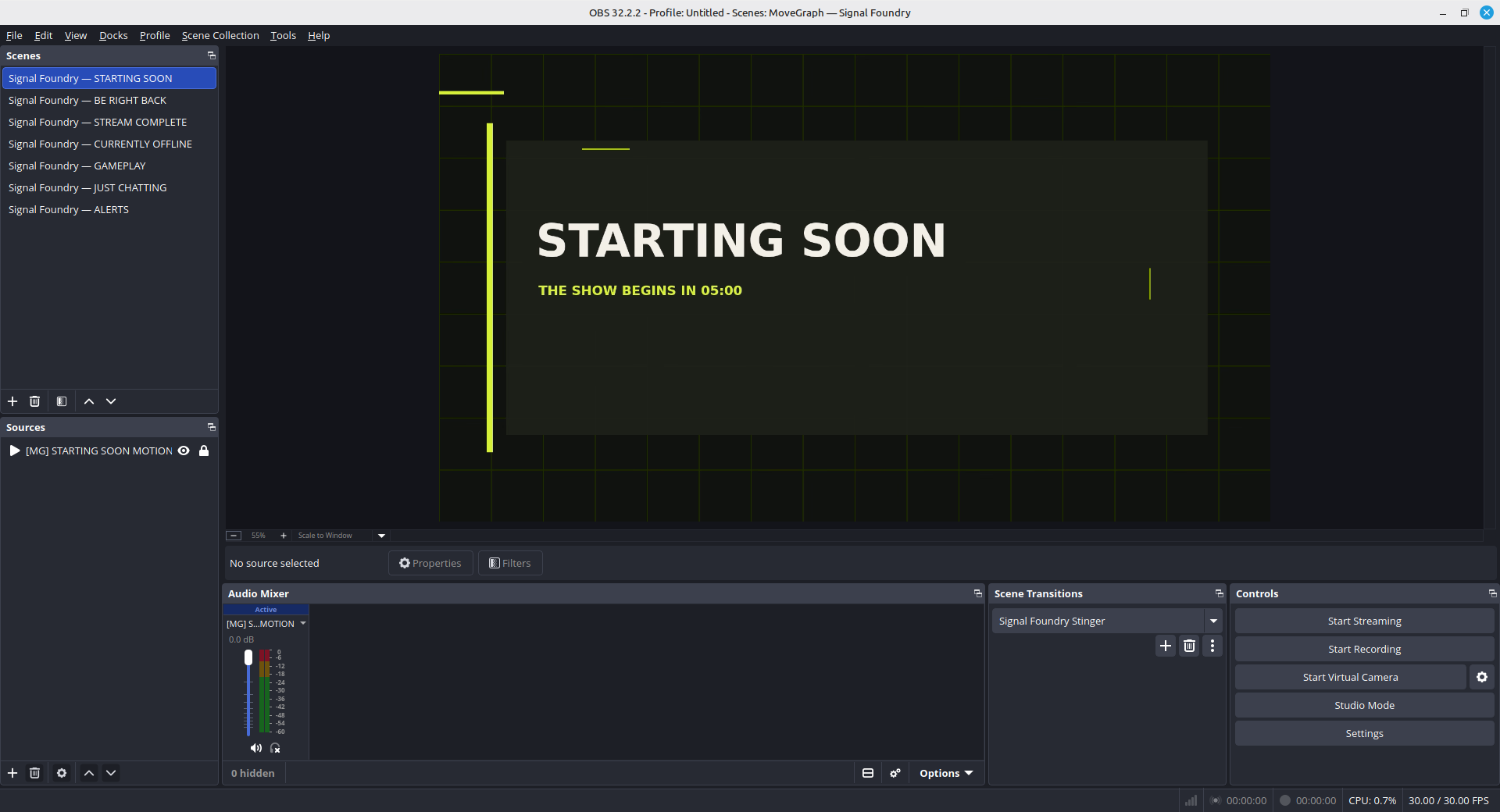
Set the base canvas first.
Open Settings → Video and set Base (Canvas) Resolution to the size the pack was designed for. Most full-scene graphics—including MoveGraph packs—use 1920 × 1080.
Your Output Resolution can be lower, such as 1280 × 720. OBS scales the finished canvas after the scene is assembled, which keeps the overlay aligned.
Add the file as the right source type.
In the Sources panel, select +, choose the matching source, and browse to the file. For a local browser source, check Local file, select the HTML file, and use width 1920 and height 1080.
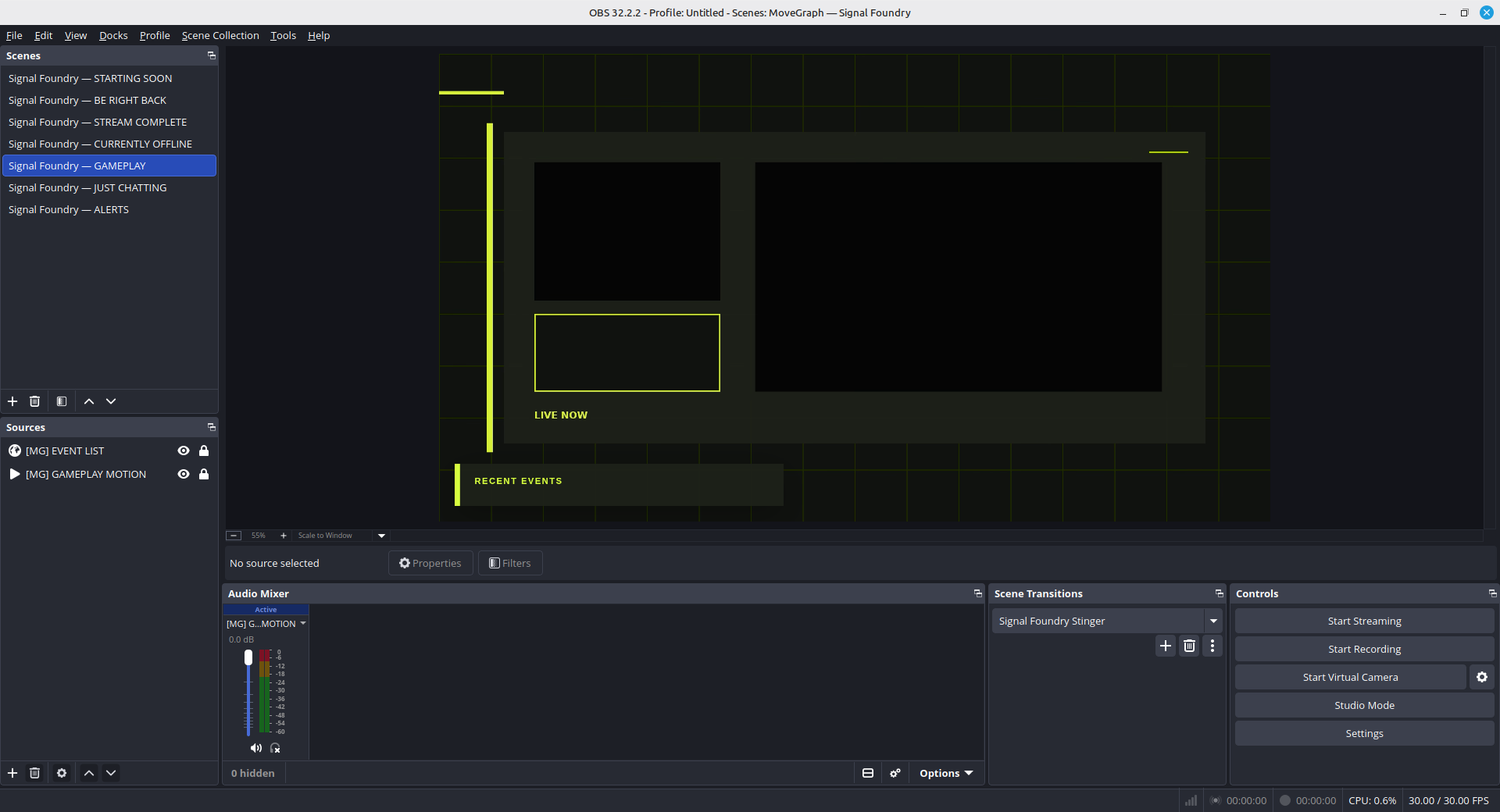
Fit it exactly to the frame.
Select the new source in the preview or Sources panel. Right-click, choose Transform → Fit to Screen. If the pack matches your canvas, the edges should meet without stretching.
Order layers from front to back.
OBS shows the frontmost source at the top of the Sources panel. A reliable scene usually follows this order:
- Alerts and live widgets
- Foreground labels and camera frame
- Camera feed
- Game, window, or display capture
- Background artwork
- Audio sources
If an alert seems to fire but never appears, source order is the first thing to check.
Check looping and transparency.
For an animated Media Source, enable Loop. Enable Restart playback when source becomes active for scene intros or other motion that should start from frame one.
WebM and alpha-enabled MOV files can include transparent pixels. If you see a black rectangle, confirm you selected the transparent export rather than a preview video.
Quick fixes
When the scene does not look right.
- The overlay is behind the game.
- Drag the overlay higher in the Sources list.
- The animation stops after one play.
- Open Media Source properties and enable Loop.
- A local browser scene is blank.
- Re-select the local HTML file and confirm the width and height are 1920 × 1080.
- OBS cannot find files after a restart.
- Keep the unpacked folder in a permanent location; do not run sources from Downloads and then move them.
A good first test
Try it with the free Signal Kit.
It includes local browser-source scenes and a setup card, so you can verify your workflow before buying anything.
Get the free kit