Field guides

A better stream, explained clearly.

Short, practical guides about scene structure, file formats, source order, and the visual decisions that keep viewers focused.

SETUP / 7 MIN

OBS Studio

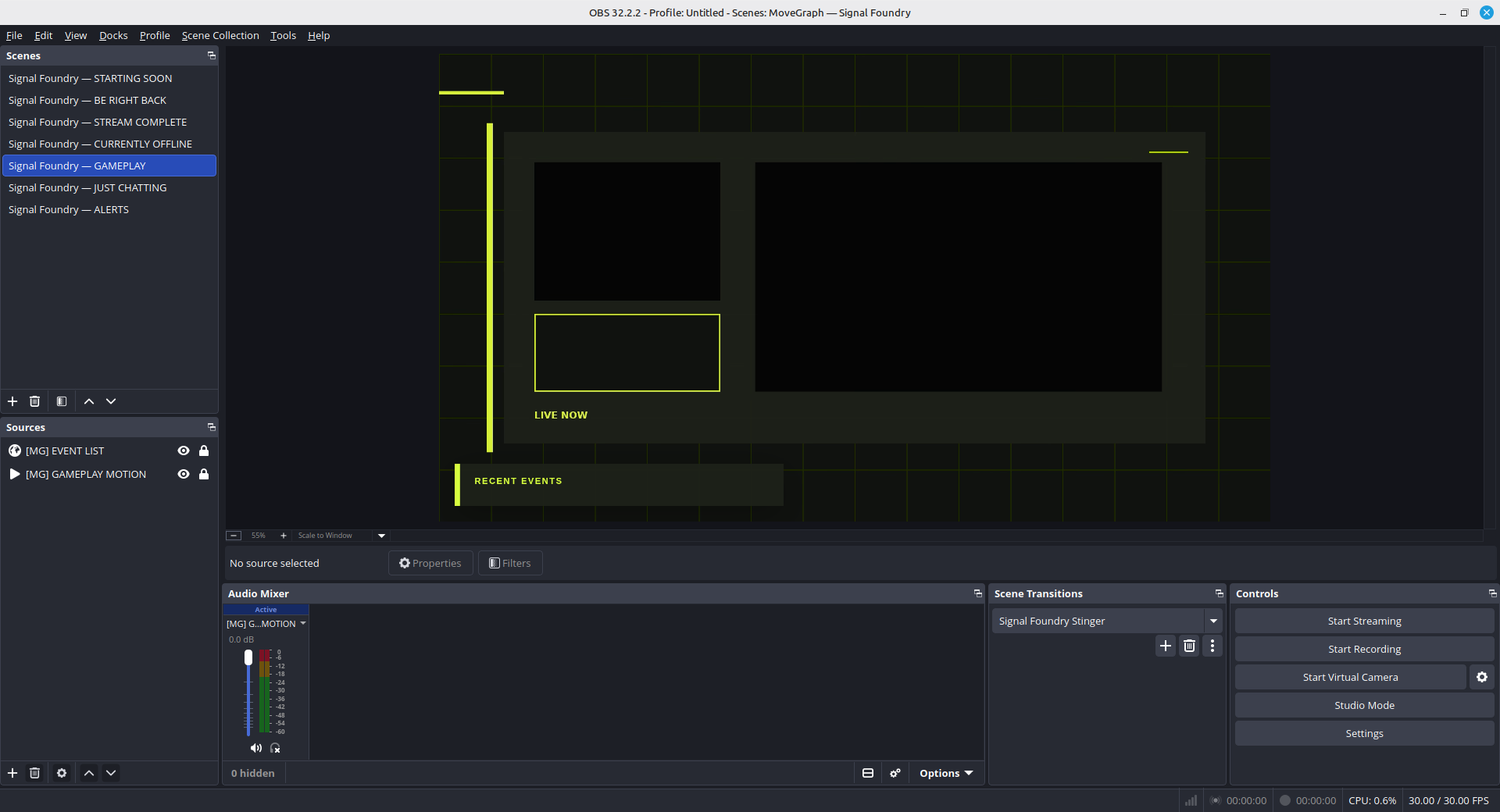
How to add a stream overlay to OBS—without fighting the Sources panel.

Install static and animated files, set your canvas, order layers correctly, and fix the black-background problem.

Read the guide →

Format field note

Use WebM for transparent loops.

For most animated frames and accents, WebM balances transparency and file size. Use MOV when a supplied alpha workflow requires it, and local browser sources for responsive layouts driven by HTML and CSS.

Design field note

Check every layout at 25%.

Shrink a 1080p scene to roughly phone-player size. If labels collapse, alerts cover the subject, or every corner demands attention, simplify before going live.