Animated OBS scenes
Starting Soon, Be Right Back, and Stream Ending local browser sources.
Free OBS overlay pack
Get three animated browser-source scenes, a transparent webcam frame, Twitch alert cards, and an OBS setup guide.
Enter your email for the download link. Studio Notes are optional.
Free download contents
Starting Soon, Be Right Back, and Stream Ending local browser sources.
A PNG camera frame for the creator feed.
Follower, subscriber, and raid cards for your alert text.
Source order, canvas size, browser-source setup, and troubleshooting.
A second free pack
Ultra Black restores a classic MoveGraph design with six animated scenes, vertical layouts, alerts, widgets, camera frames, and a stinger.
See Ultra Black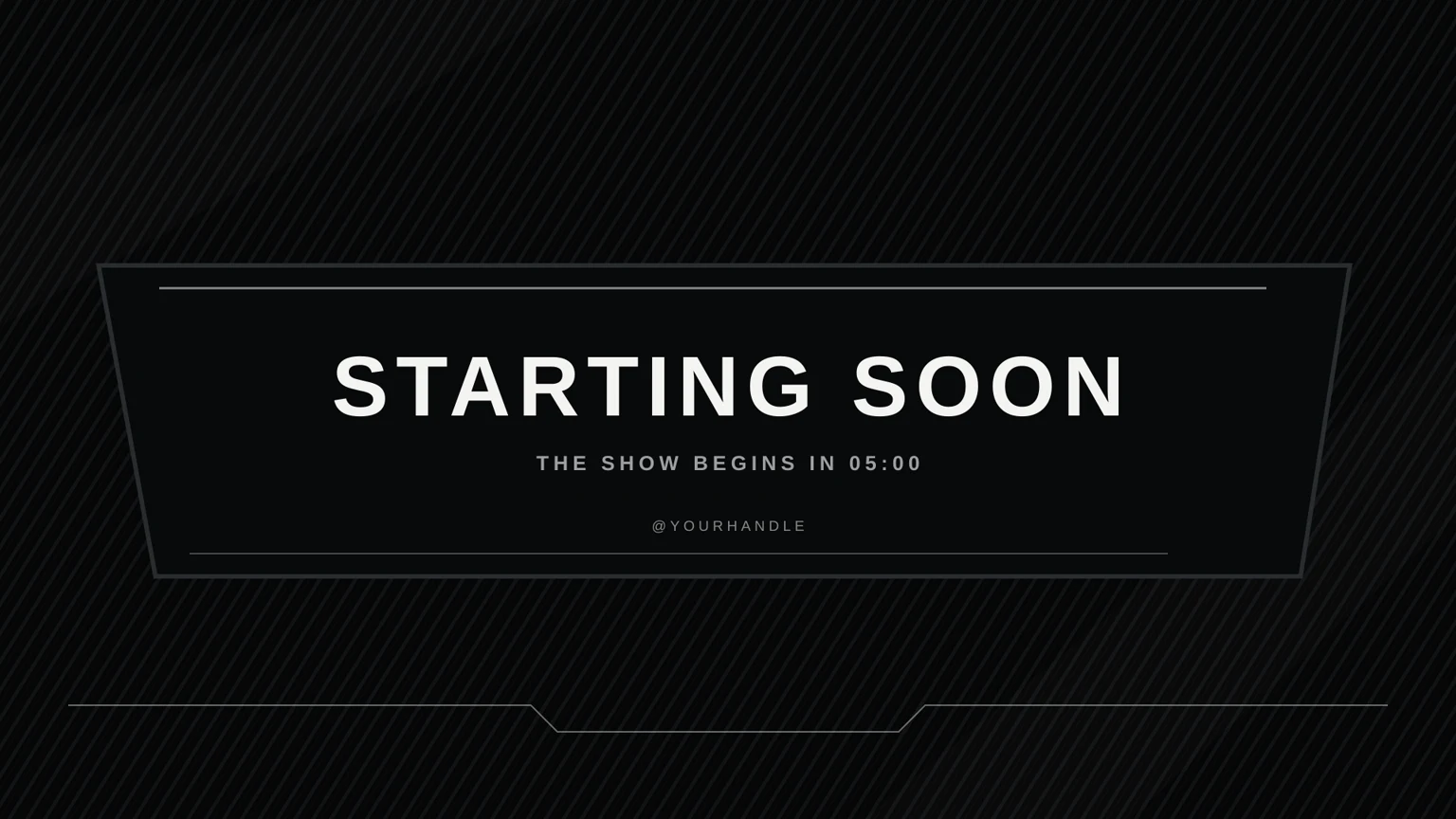
OBS installation
Commercial channel license
Use the kit in livestreams, recordings, clips, and channel promotions. Edit the channel-name fields for your show.
Read the stream graphics license →